Facebook tracking pixel Client Agent for AI Systems | Conversion System Skip to main content

Client agent

Client work, organized.

It turns meetings and delivery notes into decisions, actions, updates, health checks, and proof requests inside one client workspace. Client-facing work still waits for review.

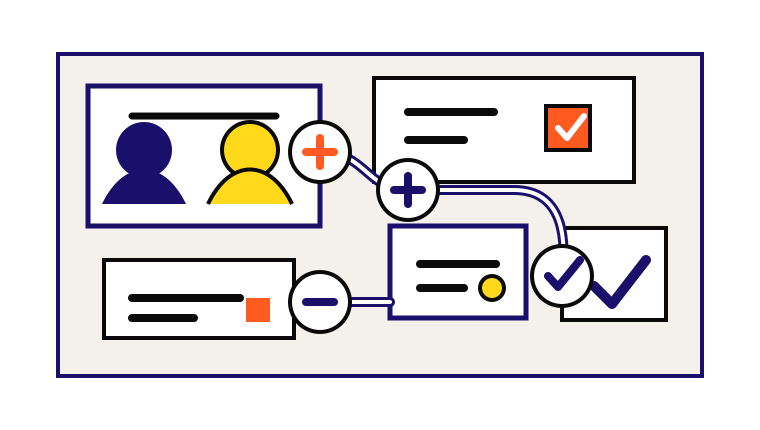
Client agent workspace with meeting capture, action routing, delivery update, client health, and proof request

Summary

Runs

Client onboarding, meeting capture, delivery drafts, project updates, reports, health checks, proof requests, and case-study drafts

Reads

One client workspace, meetings, goals, reports, decisions, offers, and approved templates

Writes

Briefs, meeting logs, decisions, actions, checklists, reports, risk lists, testimonial requests, and draft case studies

Guardrail

One client at a time. No sibling client reads. No client contact without a person

Where it helps

Use it when the work repeats

The first agent should have a clear job, known inputs, and a review path the team can keep using.

Best moments

  • Client calls create action items that get lost
  • Reports take too long because the work is spread across notes and files
  • The team needs a clean client brief before a call
  • Retention risk shows up late because nobody reviews stale goals and open loops

Inputs it needs

  • Active client workspace and goals ledger
  • Client profile, brand, people, and stack notes
  • Meeting transcripts, call notes, and raw updates
  • Project briefs, deliverables, tasks, and decisions
  • Testimonials, proof, and consent notes
  • Shared templates and playbooks that are allowed for that client

What it can run

Detailed agent work

These capabilities come from the public Conversion Skills patterns. The names under each card are the documented skills the build can draw from.

Run one client workspace cleanly

The client skill can onboard a client, create the workspace, pull a strategist brief, log a meeting, draft a deliverable, build a report, run a health check, or archive a client.

client

Capture meetings without losing decisions

It can turn transcripts or notes into a filed meeting record, route decisions, extract actions, append metric rows when numbers are mentioned, and log the work to the daily note.

meeting-capture

Plan the path to first value

It can build a dated onboarding checklist with milestones, owners, due dates, and a first-value success measure.

customer-onboarding

Keep delivery visible

It can refresh a project brief, log progress, append ledger rows for moved metrics, surface blockers, and hand off published work as a status update.

project-update

Catch client risk early

It can scan accounts or client goals for stale metrics, silence, missed milestones, open escalations, renewal risk, and recommended save plays.

churn-watchportfolio-watch

Package proof carefully

It can draft testimonial requests, store received testimonials with consent status, and draft a case study only when a ledger row supports the result.

testimonialcase-study

How it works

Context, draft, review

Step 01

Resolve the client first

The agent works only inside the active client workspace. If the client is ambiguous, it asks or files the note for a person instead of guessing.

Step 02

Route the work

Meetings, decisions, actions, metrics, deliverables, reports, and proof each go to their correct home so the next run can find them.

Step 03

Return the human handoff

The result says what changed, what is waiting, who owns the next move, and what a person should review before anything client-facing leaves the business.

Human gates

What stays human

The agent prepares work and keeps the trail clean. People still approve the moves that can affect buyers, customers, money, permissions, or public claims.

  • No client email, recap, report, or deliverable is sent by the agent
  • No sibling client folder is read during one client task
  • No client result is published without ledger support and consent status
  • No pricing, commercial term, permission, or renewal action changes automatically

Outputs

What your team gets back

The useful output is not a magic answer. It is a reviewable artifact, a clearer next move, and a source trail for anything factual.

Firewalled client workspaces and one-screen briefs

Meeting records with routed decisions, metrics, and actions

Onboarding plans with owners, dates, and success measures

Project updates with blockers and next steps

Weekly or monthly client reports

Client health checks, proof requests, and draft case studies

Public standard

Built from Conversion Skills

Conversion Skills is the public reference for these patterns: plain files, documented skills, proof-aware outputs, and review gates. The agent pages show how that public method turns into useful business systems.

Explore Conversion Skills